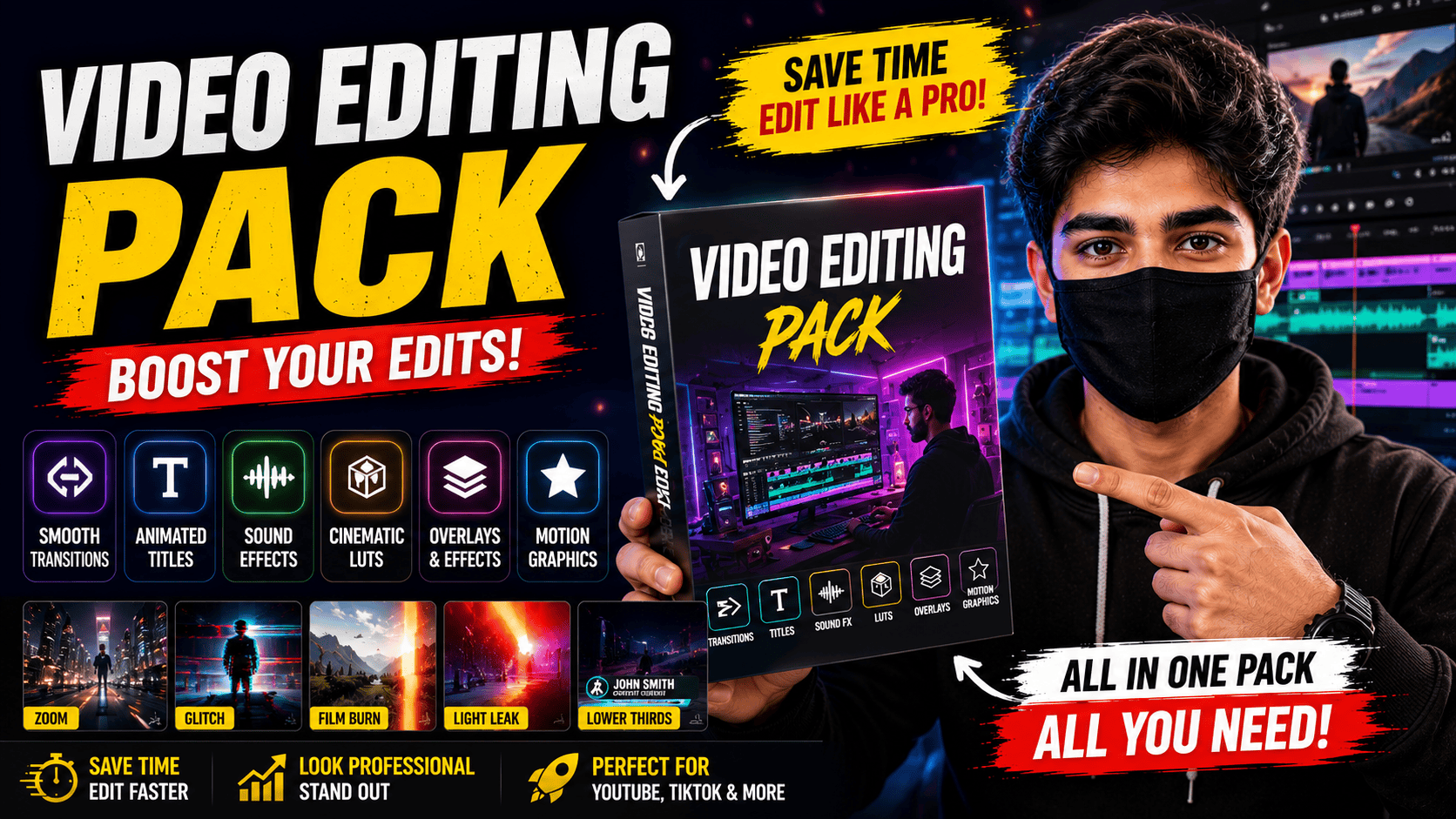
Creating professional videos is no longer limited to filmmakers or large production companies. Today, YouTubers, TikTok creators, Instagram influencers, businesses, and freelancers produce high-quality videos every day. However, editing a video from scratch can be time-consuming and challenging, especially for beginners. This is where video editing packs become incredibly useful.
A video editing pack is a collection of ready-made editing assets that help creators improve their videos without spending hours designing every effect manually. These packs usually include transitions, titles, overlays, motion graphics, sound effects, presets, color filters, lower thirds, and many other creative elements.
Whether you’re creating YouTube videos, TikTok Shorts, Instagram Reels, gaming content, travel vlogs, business advertisements, or educational tutorials, video editing packs can save time while making your videos look more professional.
In this guide, you’ll learn what video editing packs are, why they’re important, their benefits, and how to choose the right one for your editing style.
What Is a Video Editing Pack?
A video editing pack is a collection of pre-designed editing resources that can be imported into video editing software. Instead of creating transitions, animations, or text effects manually, creators simply drag and drop these assets into their projects.
Depending on the pack, it may include:
- Animated transitions
- Text animations
- Motion graphics
- Sound effects
- Background music
- Color grading presets
- LUTs
- Intro templates
- Outro templates
- Social media animations
- Emoji animations
- Camera effects
- Zoom effects
- Light leaks
- Film burns
- Glitch effects
- Particle overlays
These assets help editors produce polished videos much faster.
Why Are Video Editing Packs Important?
Editing a professional video requires creativity, patience, and technical knowledge. Even experienced editors spend hours creating animations and effects from scratch.
Video editing packs simplify this process by providing ready-to-use assets that instantly improve the appearance of a project.
Instead of spending 30 minutes designing a title animation, creators can apply a professionally designed preset within seconds.
This not only saves time but also allows editors to focus on storytelling and content quality rather than repetitive editing tasks.
For creators who publish videos regularly, editing packs significantly increase productivity.
Save Hours of Editing Time
One of the biggest advantages of editing packs is time savings.
Imagine creating three YouTube videos every week. Designing transitions, animations, and color grading manually for each project could consume many extra hours.
Using editing packs allows creators to reuse professional assets repeatedly.
This means faster editing, quicker publishing, and more consistent uploads.
For YouTubers and businesses that produce large amounts of content, this efficiency becomes extremely valuable.
Make Videos Look Professional
Professional-looking videos often include smooth transitions, animated titles, cinematic color grading, sound effects, and motion graphics.
Without these elements, videos may appear plain or unfinished.
Editing packs provide professionally designed assets created by experienced motion designers.
Even beginners can produce visually attractive content without needing advanced animation skills.
This helps smaller creators compete with larger channels that have professional editing teams.
Improve Viewer Engagement
Visual quality plays an important role in keeping viewers interested.
Smooth transitions, animated graphics, and creative effects make videos more enjoyable to watch.
Higher engagement often leads to:
- Longer watch time
- Better audience retention
- More likes
- More shares
- Increased subscribers
- Improved social media performance
While good content remains the most important factor, professional editing enhances the overall viewing experience.
Perfect for Social Media Content
Modern social media platforms prioritize engaging videos.
Creators publishing content on TikTok, Instagram Reels, Facebook, and YouTube Shorts need fast-paced editing that captures attention within the first few seconds.
Editing packs often include vertical video presets, animated captions, quick transitions, and visual effects specifically designed for short-form content.
These assets help creators produce eye-catching videos without starting every project from scratch.
Suitable for Beginners
Many beginners feel overwhelmed when they first open professional editing software.
Applications like Adobe Premiere Pro, After Effects, DaVinci Resolve, Final Cut Pro, and CapCut contain numerous tools and settings.
Editing packs reduce this complexity.
Instead of creating advanced animations manually, beginners simply import templates and customize text, colors, or timing.
This allows new editors to achieve professional-looking results while gradually learning more advanced editing techniques.
Popular Types of Video Editing Packs
Different creators need different editing styles.
Some of the most popular categories include:
Transition Packs
These include smooth camera movements, zoom effects, spins, swipes, glitch transitions, and cinematic scene changes.
Title Packs
Animated titles help introduce topics, speakers, products, or locations in a clean and professional way.
LUT Packs
LUTs (Look-Up Tables) instantly change the color and mood of a video. They can create cinematic, warm, vintage, dramatic, or modern looks with a single click.
Sound Effect Packs
These collections contain whooshes, clicks, impacts, risers, notification sounds, and other audio effects that make videos feel more dynamic.
Motion Graphics Packs
Motion graphics include animated icons, lower thirds, call-to-action buttons, subscribe animations, arrows, circles, and infographic elements.
Who Should Use Video Editing Packs?
Video editing packs are useful for almost anyone creating digital content.
They are especially valuable for:
- YouTubers
- TikTok creators
- Instagram influencers
- Freelance video editors
- Marketing agencies
- Online businesses
- Teachers
- Course creators
- Podcasters
- Wedding videographers
- Gaming creators
- Travel vloggers
Whether you’re producing entertainment or educational content, editing packs can improve both speed and quality.
Free vs Premium Editing Packs
Many creators wonder whether free editing packs are enough.
Free packs are excellent for beginners who want to practice editing without spending money. They often include basic transitions, titles, and effects.
Premium packs usually offer:
- Higher-quality assets
- More animations
- Better optimization
- Regular updates
- Professional support
- Larger libraries
- Commercial licensing
If editing is part of your career or business, investing in premium packs can be worthwhile.
Tips for Choosing the Right Editing Pack
Before downloading any editing pack, consider:
- Compatibility with your editing software
- Resolution support (1080p or 4K)
- Easy customization
- Regular updates
- Clear installation instructions
- Commercial usage rights
- Positive user reviews
Choosing a pack that matches your editing style helps maintain a consistent look across your videos.
Frequently Asked Questions
Are video editing packs free?
Some editing packs are free, while others require a one-time purchase or subscription.
Can beginners use editing packs?
Yes. Most packs are designed to be simple and easy to customize.
Which software supports editing packs?
Many packs are compatible with Adobe Premiere Pro, After Effects, DaVinci Resolve, Final Cut Pro, CapCut, and other popular editors. Always check compatibility before downloading.
Do editing packs improve video quality?
They improve the visual presentation and workflow, but they cannot fix poor footage or weak storytelling.
Are premium packs worth buying?
For creators who publish content regularly, premium packs often save enough time to justify the cost.
Conclusion
Video editing packs have become an essential tool for modern content creators. They simplify editing, save valuable time, and help produce polished videos that attract viewers across YouTube, TikTok, Instagram, and other platforms.
Whether you’re just starting your editing journey or already creating videos professionally, using high-quality editing packs can improve both your workflow and the final appearance of your content. Combined with creativity and strong storytelling, these resources help creators produce engaging videos more efficiently while maintaining a consistent professional style.


One Comment on “Video Editing Packs – Why They Are Important for Content Creators (2026)”