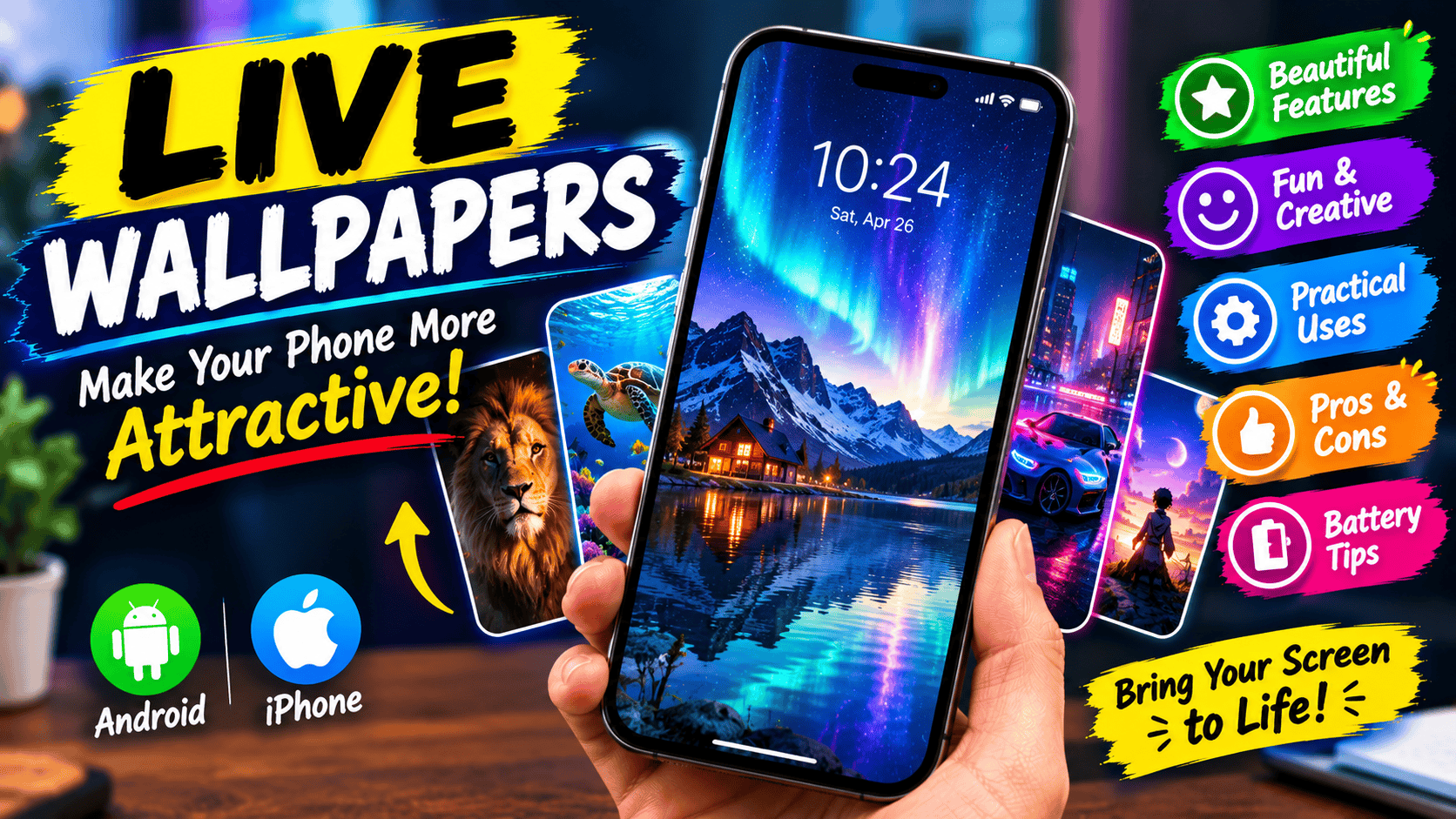
Are you bored of looking at the same background every time you unlock your phone? A live wallpaper can make your smartphone feel more colorful, interactive, and personal. Instead of displaying a simple picture, it can show moving clouds, falling rain, glowing lights, animated characters, underwater scenes, or even a video of your favorite place.
Live wallpapers have become a popular way to customize smartphones. Whether you love nature, cars, gaming, space, anime, or creative animations, you can find a style that matches your personality.
But live wallpapers are not just about appearance. Depending on the features available, they can also offer interactive effects, personalized designs, and creative ways to use your own photos.
In this article, we will explore what live wallpapers are, their benefits, fun features, practical uses, disadvantages, and how to set them up on your phone.
What Is a Live Wallpaper?
A live wallpaper is a moving or animated background that appears on your smartphone’s home screen or lock screen, depending on your device and operating system.
Unlike a traditional wallpaper, which displays a static image, a live wallpaper can include motion, animation, visual effects, or interactive elements.
For example, you might choose a wallpaper showing ocean waves moving gently across the screen. Another might display stars floating through space, while a gaming wallpaper could feature an animated character.
Some live wallpapers use short video loops, while others generate movement through animation. Certain smartphones also offer effects that add depth or motion to an ordinary photograph.
Google Pixel devices, for example, support several wallpaper customization features, including cinematic photo effects on supported models.
Why Are Live Wallpapers So Popular?
One major reason is personalization.
Your smartphone is something you use every day, and changing its appearance can make it feel more connected to your interests.
A person who loves football might prefer an animated sports background. Someone interested in technology might choose a futuristic wallpaper with glowing circuits. Nature lovers might enjoy waterfalls, forests, rain, or sunsets.
Live wallpapers also make it easy to change your phone’s appearance whenever you want something different.
Instead of downloading dozens of ordinary images, you can choose an animated scene that adds movement to your screen.
The Main Benefits of Live Wallpapers
1. Make Your Phone Look More Attractive
The most obvious benefit is visual appeal.
A moving background can make your smartphone look more modern and interesting. Subtle animations, colorful effects, and realistic scenery can create a different experience from a standard photograph.
For example, an animated night sky with stars and clouds may look beautiful on a lock screen.
If you prefer a clean design, you can choose something subtle, such as slowly moving water or a soft gradient animation.
2. Personalize Your Smartphone
Live wallpapers allow you to express your interests through your phone’s appearance.
You can choose designs related to your favorite games, cars, movies, animals, sports, or hobbies.
Some devices also let you customize colors, patterns, and effects. On supported Google Pixel phones, you can even create AI-generated wallpapers using written prompts.
This makes customization more creative because you are not limited to the wallpapers that come preinstalled on your device.
3. Make Your Lock Screen More Interesting
Your lock screen is often the first thing you see when you pick up your phone.
A live wallpaper can make that moment more enjoyable by adding movement or visual effects.
Depending on your phone, you may be able to apply different wallpapers to your home screen and lock screen.
For example, you could use a moving galaxy on the lock screen and a simple, darker background behind your apps.
4. Enjoy Relaxing Visual Effects
Not every live wallpaper needs bright colors or fast animation.
Some people prefer peaceful scenes, such as rain falling against a window, waves moving on a beach, leaves swaying in the wind, or clouds drifting across the sky.
These designs can create a calm visual atmosphere whenever you look at your phone.
You can choose animations that match your mood, whether you prefer something relaxing, energetic, futuristic, or playful.
5. Keep Your Phone’s Appearance Fresh
Changing wallpapers is a simple way to refresh your smartphone without purchasing a new device.
Some phones support rotating wallpaper collections, allowing the background to change automatically.
For example, supported Pixel devices can rotate selected wallpapers daily, while certain Samsung devices offer dynamic lock-screen wallpaper options. Availability depends on the model and software version.
Fun Ways to Use Live Wallpapers
Live wallpapers offer plenty of creative possibilities.
Gaming backgrounds: Choose animated scenes inspired by your favorite games or gaming aesthetic.
Car wallpapers: Display an animated sports car, glowing headlights, or a nighttime road scene.
Nature scenes: Use waterfalls, oceans, forests, rain, or moving clouds.
Space backgrounds: Explore animated planets, stars, galaxies, and futuristic space environments.
Anime-inspired designs: Personalize your phone with animated artwork, subject to the wallpaper’s licensing and availability.
Personal memories: On supported devices, you may be able to add motion or depth effects to your own photographs.
Seasonal designs: Change your background for winter, summer, holidays, or special occasions.
You can even create a matching visual theme by coordinating your wallpaper colors with your app icons and widgets.
Do Live Wallpapers Drain Your Battery?
This is one of the most common questions about live wallpapers.
Yes, some live wallpapers can use more battery than static images, but the amount depends on how they work and how your phone handles them.
An animation that uses complex effects or repeatedly renders detailed scenes may consume more resources than a simple background.
Google specifically recommends turning off live wallpapers when trying to improve battery life on Pixel phones. Samsung also identifies live wallpapers as a potential battery consideration.
However, battery consumption varies considerably. A lightweight animation may have little noticeable impact on some devices, while a demanding wallpaper could use more power.
To reduce unnecessary battery usage:
- Choose simple animations instead of complex 3D effects.
- Avoid wallpapers that constantly run intensive visual effects.
- Check your phone’s battery-usage settings.
- Use a static wallpaper when battery life is especially important.
- Download wallpapers from reputable sources rather than installing unknown applications.
You do not necessarily have to avoid live wallpapers altogether. Choose one that looks good without placing an unnecessary load on your device.
How to Set a Live Wallpaper on Android
The exact process depends on your phone’s manufacturer, Android version, and installed wallpaper applications.
On many Android phones, you can begin by following these steps:
- Touch and hold an empty area of your home screen.
- Open Wallpaper & style or the equivalent wallpaper settings.
- Look for a live wallpaper option or a wallpaper collection that supports animation.
- Select the wallpaper you want.
- Preview it and choose the screen where you want to apply it.
- Tap Set wallpaper or the equivalent option.
On Google Pixel devices, you can change wallpapers through the Wallpaper & style settings. Available choices vary by model and software version.
If your phone does not offer live wallpapers built in, you can look for a reputable application in the Google Play Store.
Before installing any wallpaper app, check its reviews, permissions, advertisements, and privacy information.
Can You Use Live Wallpapers on an iPhone?
iPhones support animated photography and various lock-screen customization features, but the available behavior differs from Android live wallpapers.
Apple’s Live Photos capture movement and audio around the moment a photograph is taken. You can view these images with their motion in the Photos app.
However, Live Photos and continuously animated Android wallpapers are not the same thing. Wallpaper capabilities depend on the iPhone model and iOS version.
Check your iPhone’s current wallpaper settings to see which animated or motion-based options are available.
Are Live Wallpapers Free?
Many live wallpapers are available for free, including built-in options and wallpapers offered by third-party applications.
However, some applications offer paid collections, subscriptions, premium animations, or additional customization features.
Before installing an app, check whether your preferred wallpaper is free and whether the application includes advertisements or in-app purchases.
You should also be cautious with apps that request permissions unrelated to wallpaper functionality.
A wallpaper application generally should not need access to your contacts, messages, or other sensitive information simply to display an animated background.
Final Thoughts
Live wallpapers are a fun and simple way to personalize your smartphone. They can make your lock screen more attractive, display your favorite interests, create relaxing visual effects, and give your device a fresh appearance.
You can choose from nature scenes, animated characters, gaming designs, cars, space backgrounds, and many other styles.
The main consideration is battery usage. While some animations are lightweight, others may consume additional power, so choose a wallpaper that suits both your device and your preferences.
If you have never tried one, start with a simple animated background and see how it looks on your phone. You can always change it later.
A good live wallpaper should make your phone more enjoyable to use without sacrificing the performance and battery life you need.
SEO Details
SEO Title: Live Wallpapers: Benefits, Fun Features, Uses and Battery Tips
Meta Description: Discover the benefits of live wallpapers, fun animated backgrounds, practical uses, battery effects, and how to set live wallpapers on Android and iPhone.
Focus Keyword: Live Wallpapers
Secondary Keywords:
- Live wallpapers for Android
- Animated phone wallpapers
- Moving wallpapers for mobile
- Best live wallpaper features
- Free live wallpaper apps
- Live wallpaper battery usage
- Live wallpapers for iPhone
- Smartphone customization
- Animated lock screen wallpapers
URL Slug: live-wallpapers-benefits-uses
Featured Image Filename: live-wallpapers-benefits-fun-uses.webp
Image Alt Text: Smartphone displaying a colorful animated live wallpaper with glowing lights and a moving background.