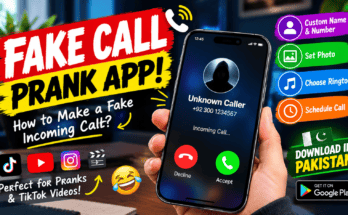
Have you ever wanted your phone to ring at the perfect moment to make a funny video, surprise your friends or get out of an awkward conversation? A prank call app can help you create a simulated incoming call directly on your smartphone without needing another person to call you.
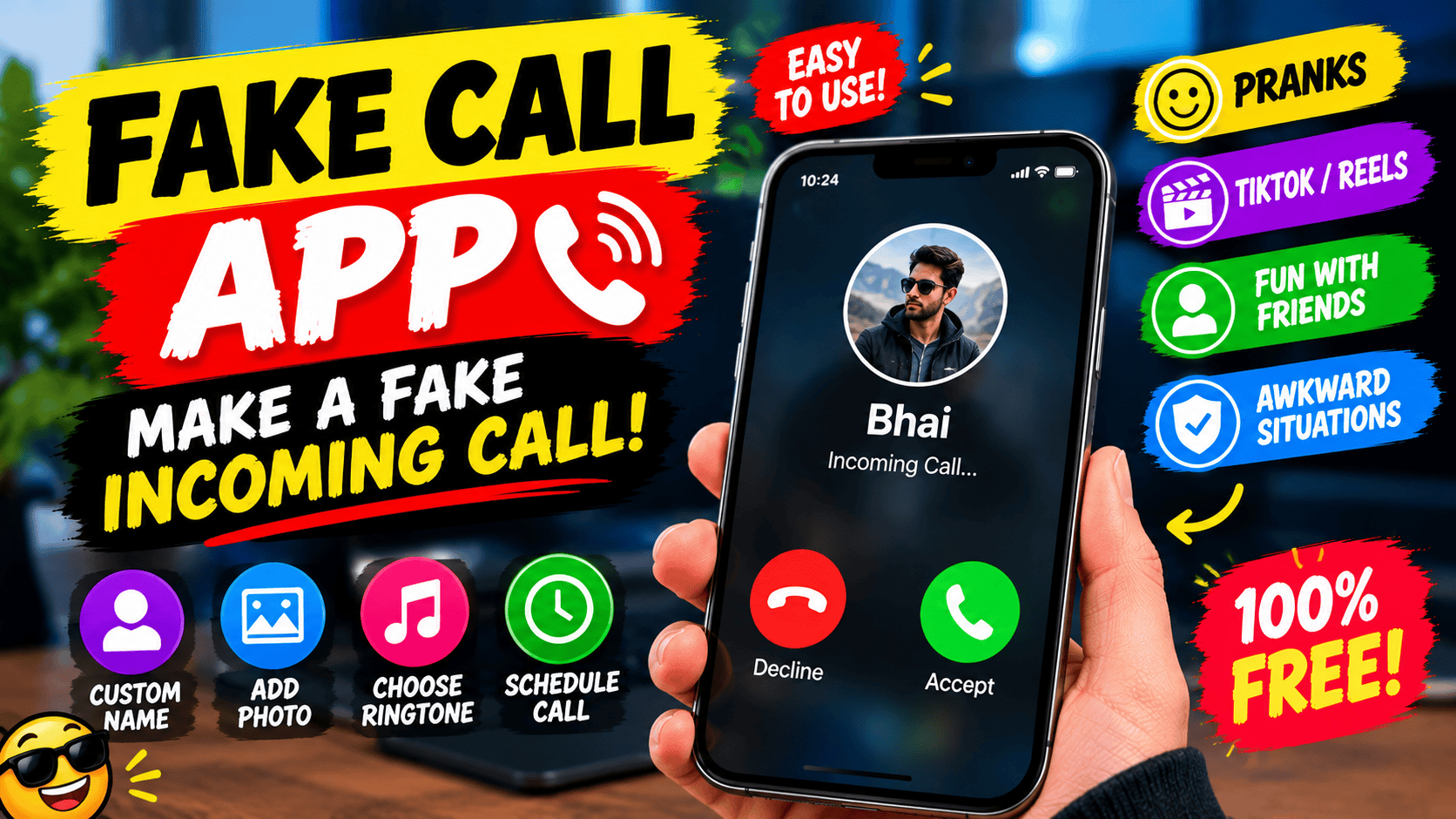
These apps have become useful for entertainment, comedy videos, social media content and simple practical jokes. Depending on the app, you can customize the caller’s name, phone number, profile picture and ringtone. Some apps also let you schedule the call to appear after a few seconds or minutes.
The interesting part is that you can prepare everything in advance and let your phone display a simulated incoming call at the moment you choose.
In this guide, we will explain how prank call apps work, their features and benefits, how to use them, and what you should check before downloading one.
What Is a Prank Call App?
A prank call app is an application that can simulate an incoming phone call on your device. Instead of receiving a genuine call through your mobile network, the app displays a fake incoming-call screen.
For example, imagine you are sitting with your friends and want to make them laugh. You can set up a simulated call from a fictional character, customize the caller’s name and picture, and choose when the call should appear.
When the scheduled time arrives, your phone displays the simulated call.
Some applications provide different caller-screen designs, ringtones, vibration effects and optional audio recordings. These features can make the experience more convincing for entertainment purposes.
One important distinction is that a fake incoming-call simulator does not make a real telephone call. It generally displays a simulated call on the device where the app is installed. It is different from caller ID spoofing, which involves disguising the number associated with an actual outgoing call.
For example, the Google Play listing for Fake Call – Prank explains that it can simulate incoming calls, customize caller information and schedule the simulation. It also explicitly states that the app does not provide real incoming calls.
How Does a Fake Call App Work?
Most fake call apps are designed to be easy to use, even for someone who has never used one before.
Although the interface differs between applications, the basic process is usually similar.
First, install a suitable app on your smartphone. Open it and look for an option such as Create Fake Call, Simulate a Call or Schedule Call.
Next, configure the caller information. You may be able to enter a name, choose a phone number and select a profile picture.
After that, choose a ringtone and decide when the call should appear.
Some apps allow an immediate simulated call, while others offer a timer. For example, you might set the call to appear after 10 or 30 seconds.
Once the settings are ready, start the simulation and wait for the incoming-call screen.
Depending on the app and your phone settings, the screen may appear while the app is open or in the background. Certain apps may require permission to display over other applications or send notifications.
Always review permissions before granting access.
Main Features of Prank Call Apps
Different apps provide different features, but several options are commonly available.
1. Customize the Caller Name
You can choose the name displayed on the simulated incoming-call screen.
For example, you might create a fictional caller named Best Friend, Boss, Teacher or Secret Admirer.
This feature can be useful when recording comedy videos or demonstrating how an incoming-call screen works.
2. Add a Caller Photo
Some apps let you select a photograph or an available character image.
The selected image may appear alongside the caller’s name when the simulated call arrives.
For a comedy video, you could use an appropriate fictional character or a consenting friend’s photograph.
Avoid using someone’s picture to impersonate them in a harmful or misleading situation.
3. Choose a Ringtone
A ringtone helps make the simulated call feel more realistic.
Depending on the application, you may be able to choose a built-in ringtone or select an audio file from your device.
Some apps also provide vibration or full-screen notifications.
4. Schedule a Fake Call
Scheduling is one of the most useful features.
Instead of triggering the simulation immediately, you can select a delay.
For example:
- Immediate call
- Call after 5 seconds
- Call after 10 seconds
- Call after 30 seconds
- A longer custom delay, if supported
This can be useful when preparing a short video because you can position your phone or start recording before the simulation begins.
5. Add Optional Audio
Some applications support prerecorded audio that plays when you answer the simulated call.
This can be used to create a comedy scene or demonstrate a fictional conversation.
However, the availability of this feature depends on the app. Not every fake call simulator supports recorded voices or interactive conversations.
Benefits of Using a Prank Call App
Prank call simulators are primarily designed for entertainment, but they can also be useful in several other situations.
Create Comedy Videos
If you make content for TikTok, YouTube Shorts, Instagram Reels or Facebook, a fake incoming-call screen can become part of a comedy scene.
For example, you could record a short skit where your phone suddenly displays a call from a fictional celebrity or an imaginary boss.
The humor comes from the situation and your reaction rather than from making a real call to another person.
Make Harmless Pranks With Friends
A simulated incoming call can be used for a lighthearted joke among friends who are comfortable with that kind of humor.
You could create a fictional caller with a funny name or choose an amusing profile picture.
Keep the joke harmless and reveal the simulation if someone becomes uncomfortable.
Rehearse a Video Scene
Content creators sometimes need a particular event to happen at a specific moment.
A scheduled fake call can help you coordinate a scene without relying on another person to call your phone.
For example, you can prepare your camera, start recording and let the simulated call appear after a short delay.
Demonstrate Smartphone Features
Fake call apps can also be useful for tutorials and demonstrations.
You might want to show viewers how incoming-call screens look on different devices or explain how caller information is displayed.
A simulated call allows you to demonstrate these screens without placing a real call.
Prepare for an Awkward Conversation
Some people use simulated calls as a way to interrupt an uncomfortable social situation.
However, it is better to use this feature thoughtfully rather than relying on it to avoid every difficult conversation.
If you feel unsafe in a situation, prioritize your safety and seek genuine assistance instead of depending on a simulated emergency call.
How to Download a Prank Call App on Android
If you want to try a fake incoming-call simulator, follow these steps.
Step 1: Open Google Play Store
Open the Play Store on your Android phone and search for a fake call app.
You can also visit the official listing for Fake Call – Prank on Google Play. Its listed features include customizable caller information, selectable ringtones and scheduled simulated calls.
Step 2: Check the App Details
Before installing, review the app’s description, recent updates, user reviews and data-safety information.
Check whether the app contains advertisements or offers in-app purchases.
Step 3: Install the App
If you are satisfied with the details, tap Install and wait for the download to finish.
Avoid downloading modified APK files from unknown websites, as they can contain unwanted software or expose your information.
Step 4: Set Up the Caller
Open the application and enter the caller information supported by the app.
Choose a name, picture and ringtone if those options are available.
Step 5: Schedule the Simulation
Choose an immediate call or set a delay.
Follow the application’s instructions and grant only the permissions needed for the feature you want to use.
Step 6: Test It First
Run a test before using the app in a video or prank.
Check whether the call appears at the expected time, whether the ringtone works and whether the simulated call screen behaves correctly on your phone.
Keep in mind that Android restrictions, battery settings and notification permissions can affect how some applications behave in the background.
Are Prank Call Apps Free?
Many fake call apps are available to download without an upfront payment, but their pricing models vary.
Some are supported by advertisements, while others offer optional purchases or paid features.
For example, the Google Play listing for Fake Call – Prank identifies advertisements and in-app purchases.
Before installing an app, check whether the features you need are available in its free version.
You should also be cautious of applications that demand unnecessary permissions, ask for payment before explaining their features or redirect you to suspicious websites.
A simple simulator generally should not need access to your banking information, passwords or unrelated personal data.
Important Safety and Privacy Tips
Although fake call apps can be entertaining, responsible use matters.
Do not use a fake call to threaten or harass someone. Avoid impersonating police officers, emergency services, banks or other organizations to frighten people or obtain private information.
Do not present a simulated call as proof that someone actually contacted you.
If you use the app for a public video, consider adding a caption or disclosure explaining that the scene is staged.
Also, review the application’s privacy policy and permissions before using it. Some apps may collect or share information, while others make different privacy claims. Check the current listing rather than assuming every app handles data in the same way.
Finally, remember that a simulated call is not a substitute for genuine emergency assistance. If you need help, contact the appropriate service or a trusted person.
Final Thoughts
Prank call apps provide a simple way to simulate incoming calls for comedy videos, harmless jokes and smartphone demonstrations.
Depending on the application, you can customize the caller’s name, picture and ringtone, then schedule the call to appear at a chosen time.
The process is straightforward: install a reputable app, configure the caller, select your preferred settings and test the simulation before using it.
If you create social media content, these tools can help you plan short scenes without waiting for a real person to call you.
Just remember that a simulated incoming call is not a real telephone call, and the best pranks are those that entertain people without causing fear, embarrassment or harm