Learning programming does not always have to start with complicated code, confusing syntax, or expensive courses. For beginners, especially children and students, Scratch programming is one of the easiest ways to understand how programming actually works.
Scratch uses colorful blocks instead of traditional programming syntax. You can drag blocks, connect them together, create animations, build games, add sounds, control characters and gradually understand important programming concepts.
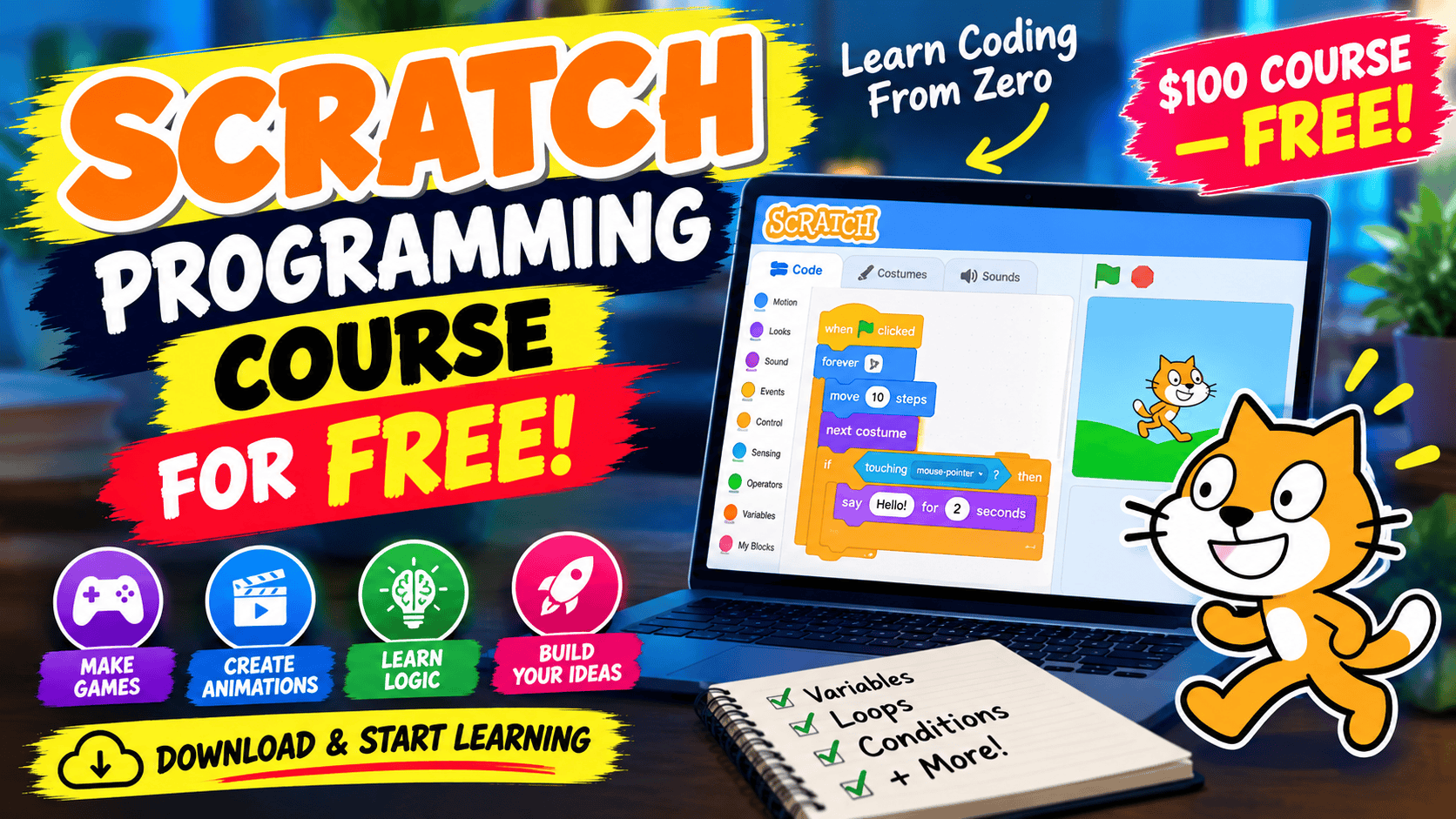
In this article, I’m sharing a complete Scratch programming course for free. A course of this type can be sold as a paid learning resource, sometimes around $100 or more, but you can access the course here without paying for it.
The main purpose of this course is to help beginners learn Scratch from the basics and eventually create their own projects.
What Is Scratch Programming?
Scratch is a visual programming language and online programming platform designed to make coding easier to understand.
Instead of writing something like:
if score > 10:
    say "You Win"
Scratch lets you use blocks that visually represent programming instructions.
You simply drag blocks into the workspace and connect them together.
For example, you can create a project where a character:
- Moves when you press an arrow key
- Says something when clicked
- Changes its appearance
- Plays a sound
- Detects another character
- Keeps track of points
- Changes levels
- Responds to keyboard input
- Repeats actions
- Makes decisions
This makes Scratch particularly useful for people who have never programmed before.
Why Should You Learn Scratch?
Scratch is more than just a tool for making simple animations.
It introduces many of the same concepts that are used in professional programming languages.
When you learn Scratch, you can begin understanding concepts such as:
- Variables
- Conditions
- Loops
- Events
- Functions
- Operators
- Messages
- User input
- Game logic
- Coordinates
- Debugging
- Program flow
Later, these concepts can make it easier to move toward languages such as Python, JavaScript, Java, C++, Dart and other programming languages.
The syntax will be different, but the programming logic you learn remains useful.
What Can You Create With Scratch?
One of the best things about Scratch is that you don’t just watch someone explain programming.
You can actually build things.
For example, beginners can create a simple animated story.
You can add characters to a scene, give them dialogue and make them move around the screen.
After learning more concepts, you can start creating games.
You could build a:
- Car racing game
- Catching game
- Maze game
- Platform game
- Shooting-style game
- Quiz game
- Basketball game
- Football game
- Flying game
- Space game
You can also create interactive educational projects, animations and presentations.
This makes Scratch a practical way to learn instead of simply memorizing programming definitions.
What Is Included in This Free Scratch Course?
The course is designed for beginners, so you don’t need previous programming experience to get started.
You can begin with the basic Scratch interface and gradually move toward more advanced concepts.
A typical learning path includes understanding the Scratch workspace first.
You’ll learn what the different sections of the platform do and how sprites, backdrops, blocks and the stage work together.
After that, you can start working with basic movement and events.
For example, you can make a character move when the green flag is clicked or when a keyboard key is pressed.
Then you can start learning conditions, loops and variables.
These are some of the most important concepts because they teach you how programs make decisions and repeat actions.
Understanding Sprites
A sprite is a character or object that you control in a Scratch project.
It could be a person, animal, vehicle, ball or almost anything else.
You can change a sprite’s:
- Position
- Size
- Direction
- Costume
- Movement
- Sound
- Behavior
For example, you can create a game where a player controls a character using the keyboard.
The character can move left and right, jump and interact with other objects.
Learning Events
Events are an important part of Scratch programming.
An event tells Scratch when something should happen.
For example:
When green flag clicked
This can start your project.
Another example is:
When key pressed
This can allow the player to control a character.
You can also make something happen when a sprite is clicked.
Understanding events helps you understand how interactive applications work.
Learning Loops
Loops allow you to repeat instructions.
Imagine you want a character to move ten steps repeatedly.
Instead of placing the same movement block hundreds of times, you can use a loop.
Scratch provides blocks such as:
Repeat
and
Forever
These simple blocks introduce an important programming concept that appears in almost every programming language.
Understanding Conditions
Conditions allow your project to make decisions.
For example:
If the player touches the enemy, then lose one life.
Or:
If the score reaches 10, show the winning message.
This is the foundation of decision-making in programming.
Once you understand conditions, your Scratch games can become much more interactive.
Learning Variables
Variables are another important programming concept.
You can think of a variable as a container that stores information.
For example, a game might have:
Score = 0
When the player collects an object, you can increase the score.
You could also create variables for:
- Lives
- Time
- Level
- Coins
- Health
- Speed
- Player points
This is where Scratch starts feeling much more like traditional programming.
Creating Your First Scratch Game
One of the best ways to learn Scratch is to build a project while following the course.
For example, you could create a simple game where the player controls a character and collects objects.
The basic logic could be:
- Start the game.
- Move the player using the keyboard.
- Randomly position an object.
- Detect when the player touches the object.
- Increase the score.
- Move the object somewhere else.
- Continue until the game ends.
Although this sounds simple, the project teaches several important programming concepts at the same time.
You learn events, movement, conditions, variables, loops and interaction.
That’s why project-based learning can be much more useful than simply watching programming tutorials.
Do You Need Programming Experience?
No.
Scratch was specifically designed to make programming easier for beginners.
If you have never written code before, you can still start learning.
You don’t need to know Python, C++, Java, JavaScript or another programming language before starting Scratch.
In fact, Scratch can be a good first step for someone who eventually wants to learn one of those languages.
Is Scratch Only for Children?
Scratch is strongly associated with children and beginner education, but the programming concepts it teaches are not limited to children.
Anyone who is completely new to programming can use Scratch to understand basic programming logic.
For example, someone who wants to learn Python later can first understand:
Variables → Conditions → Loops → Functions → Events → Logic
through visual projects.
Then those concepts can be applied using actual programming syntax.
How to Get the Free Scratch Course
I’ve made the course available through Google Drive, so you don’t need to purchase an expensive course to access these learning materials.
You can access it using the link below:
Download the Complete Scratch Programming Course
Google Drive: [PASTE YOUR GOOGLE DRIVE LINK HERE]
Open the Google Drive link and check the available course files.
If the course is provided as a downloadable file, select the file and click the Download option.
If Google Drive asks you to sign in, log into your Google account and then try downloading the file again.
Depending on the format of the course, you may receive individual files, videos, documents or a ZIP file.
If you receive a ZIP file, download it to your computer and extract it before starting the course.
How to Learn Scratch Effectively
Having access to a free course is only the first step.
The important part is actually practicing.
Don’t simply watch the lessons from beginning to end.
Instead, stop after each lesson and try to recreate what you’ve learned yourself.
For example, if the lesson shows you how to move a character, don’t just watch it.
Create your own project.
Change the character.
Change the background.
Change the speed.
Add a sound.
Then try to make the character behave differently.
This process will help you understand what each block actually does.
Don’t Be Afraid of Making Mistakes
Programming involves a lot of experimentation.
Sometimes your character won’t move.
Sometimes your score won’t increase.
Sometimes a loop will continue forever.
Sometimes your game will behave completely differently from what you expected.
That’s normal.
Instead of deleting the project immediately, try to understand why it isn’t working.
This is called debugging, and it is an important programming skill.
Scratch makes debugging easier because you can visually see the blocks connected together.
What Should You Learn After Scratch?
Once you become comfortable with Scratch, you can move toward a traditional programming language.
The choice depends on your goals.
For general programming and beginner-friendly development, Python is a common next step.
For web development, you can eventually learn HTML, CSS and JavaScript.
For application development, you might explore languages and frameworks such as Dart and Flutter.
For deeper computer science concepts, languages such as C or C++ can also be explored.
The important thing is that you don’t have to rush.
First understand the logic.
Then learn the syntax of a traditional programming language.
Final Thoughts
Scratch is a simple way to take your first steps into programming.
You can learn how programs work, create animations, build games and understand concepts such as variables, loops, conditions and events without dealing with complicated syntax.
And if you’re looking for a complete Scratch programming course without paying, you can access the course through the Google Drive link provided above.
Start with the basics, follow the lessons, and most importantly, build your own projects.
Don’t worry about making your first game perfect. Your first goal should simply be to make something work.
Once you can create a small Scratch project yourself, you can keep adding features and gradually move toward more advanced programming.